> ## Documentation Index
> Fetch the complete documentation index at: https://docs.asapp.com/llms.txt
> Use this file to discover all available pages before exploring further.
# AI Console
> Central dashboard for configuring and managing ASAPP products
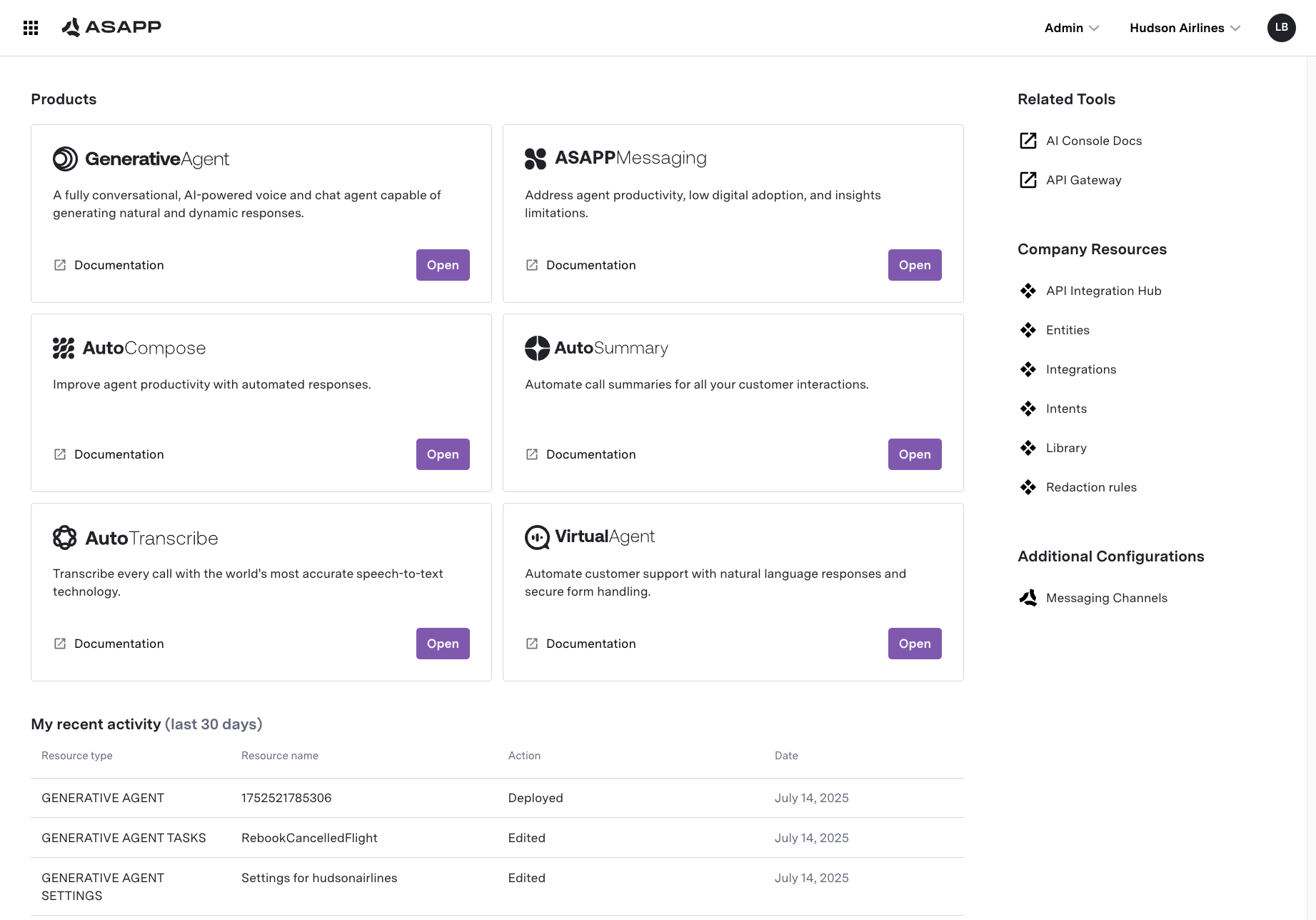
The **AI Console** is ASAPP's central dashboard for configuring, managing, and monitoring your ASAPP products. It provides a unified interface for administrators, developers, and business users to set up and control the full suite of ASAPP's AI-powered solutions.
 ## Product Configuration
AI Console allows you to set up and manage ASAPP products.
## Product Configuration
AI Console allows you to set up and manage ASAPP products.
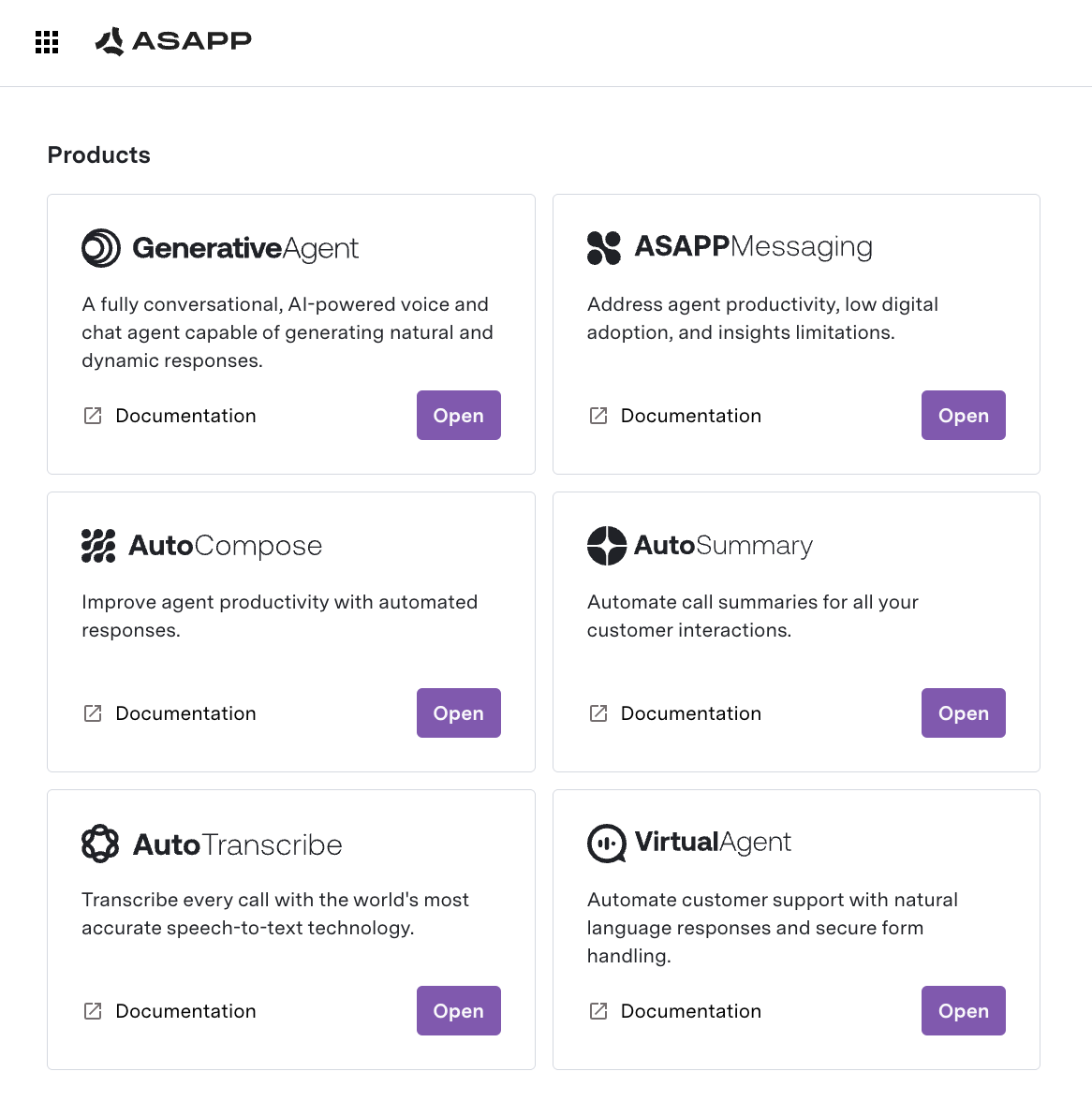 You can configure the following products:
* [GenerativeAgent](/generativeagent): Configure Tasks, Functions, Knowledge Bases, and more.
* [ASAPP Messaging](/agent-desk): Configure intents, flows, response libraries, and other ASAPP Messaging settings.
* [Queues and Routing](/agent-desk/digital-agent-desk/queues-and-routing)
* [Virtual Agent](/agent-desk/virtual-agent)
* [End Customer IP Blocking](/security/external-ip-blocking)
* [AI Compose](/ai-productivity/ai-compose): Configure responses and other settings for AI Compose.
* [AI Summary](/ai-productivity/ai-summary): Try out AI Summary within the AI Console.
## Manage Company Resources
**Company Resources** are shared entities that multiple ASAPP products use.
You can configure the following products:
* [GenerativeAgent](/generativeagent): Configure Tasks, Functions, Knowledge Bases, and more.
* [ASAPP Messaging](/agent-desk): Configure intents, flows, response libraries, and other ASAPP Messaging settings.
* [Queues and Routing](/agent-desk/digital-agent-desk/queues-and-routing)
* [Virtual Agent](/agent-desk/virtual-agent)
* [End Customer IP Blocking](/security/external-ip-blocking)
* [AI Compose](/ai-productivity/ai-compose): Configure responses and other settings for AI Compose.
* [AI Summary](/ai-productivity/ai-summary): Try out AI Summary within the AI Console.
## Manage Company Resources
**Company Resources** are shared entities that multiple ASAPP products use.
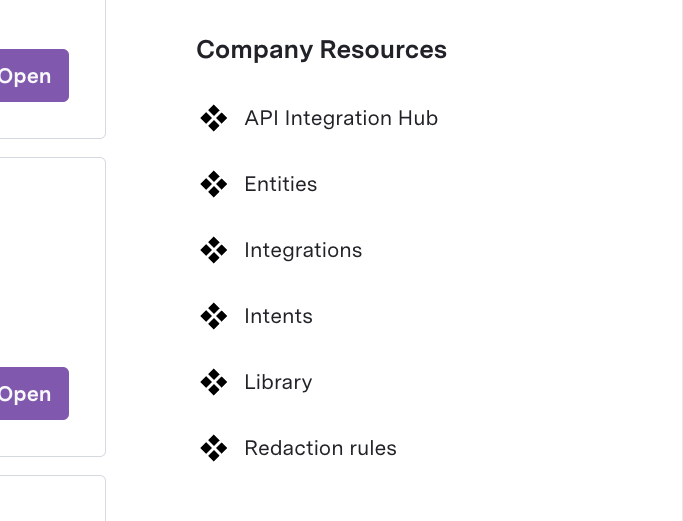 Company Resources include:
* **API Integration Hub**: Manage [API Connections](/generativeagent/configuring/connect-apis) that connect GenerativeAgent to external systems. This includes:
* Managing API Connections, API Specs, and Authentication.
* Viewing [API Logs](/generativeagent/configuring/connect-apis#api-connection-logs).
* **Entities**: Data fields used for routing, reporting, and personalization
* **Integrations**: Data and API Integrations to connect ASAPP Messaging to external systems.
* **Intents**: Customer intents recognized by Virtual Agent and other products
* **Library**: Build and attach deep links or Forms to use in Flows.
## Administration
AI Console is where you administer your ASAPP account. Located in the top right corner of the page.
Company Resources include:
* **API Integration Hub**: Manage [API Connections](/generativeagent/configuring/connect-apis) that connect GenerativeAgent to external systems. This includes:
* Managing API Connections, API Specs, and Authentication.
* Viewing [API Logs](/generativeagent/configuring/connect-apis#api-connection-logs).
* **Entities**: Data fields used for routing, reporting, and personalization
* **Integrations**: Data and API Integrations to connect ASAPP Messaging to external systems.
* **Intents**: Customer intents recognized by Virtual Agent and other products
* **Library**: Build and attach deep links or Forms to use in Flows.
## Administration
AI Console is where you administer your ASAPP account. Located in the top right corner of the page.
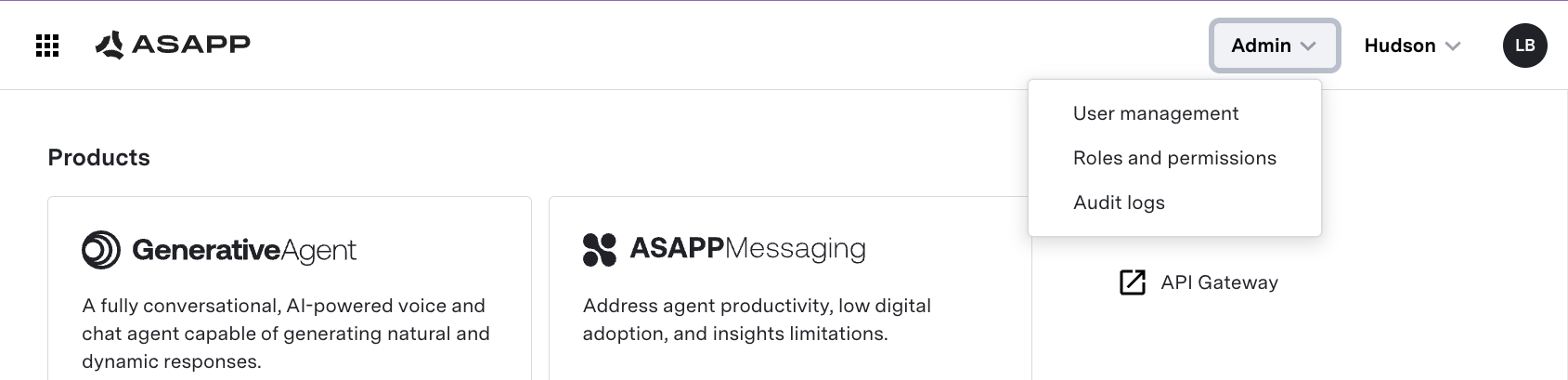 Within the Administration page, you can:
* **Manage Users and Roles**:
* Invite users and assign them roles (admin, developer, business user, etc.)
* Control permissions for access to different applications and features
* Map SSO roles to ASAPP roles for seamless access
* **View Audit Logs**:
* Track all configuration changes, deployments, and user actions for compliance and troubleshooting
* Search, filter, and export audit logs for review
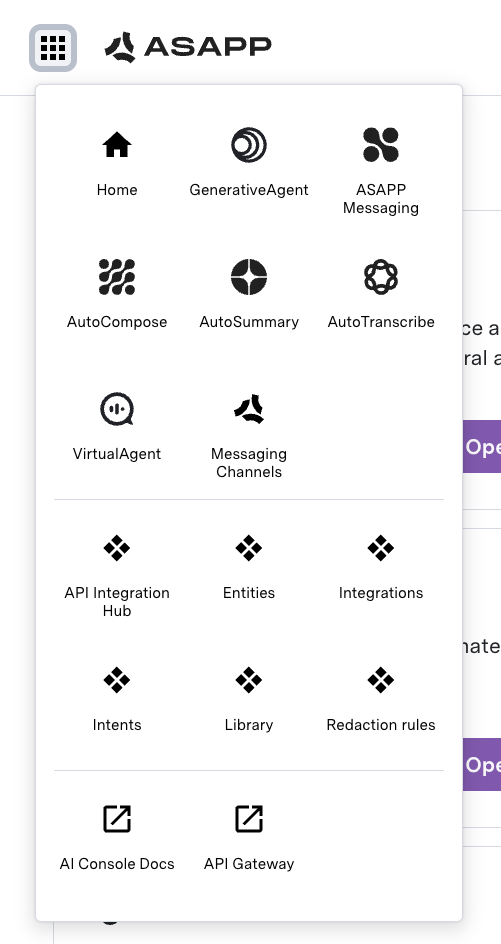
## Quick Navigation
AI Console provides quick navigation to the product pages and company resources.
Within the Administration page, you can:
* **Manage Users and Roles**:
* Invite users and assign them roles (admin, developer, business user, etc.)
* Control permissions for access to different applications and features
* Map SSO roles to ASAPP roles for seamless access
* **View Audit Logs**:
* Track all configuration changes, deployments, and user actions for compliance and troubleshooting
* Search, filter, and export audit logs for review
## Quick Navigation
AI Console provides quick navigation to the product pages and company resources.
 ## Next Steps
Now that you understand the AI Console, here are the recommended next steps to get started:
Learn how to access the developer portal and make your first API calls.
Set up and configure GenerativeAgent for your use cases.
Configure your messaging platform with intents, flows, and virtual agents.
Set up user roles and permissions for your team.
## Next Steps
Now that you understand the AI Console, here are the recommended next steps to get started:
Learn how to access the developer portal and make your first API calls.
Set up and configure GenerativeAgent for your use cases.
Configure your messaging platform with intents, flows, and virtual agents.
Set up user roles and permissions for your team.