

- Generate and visualize free-text summaries and structured data
- Test summary generation on voice and messaging conversations
- Validate summary outputs before deploying to production
- Simulate conversations or upload existing transcripts
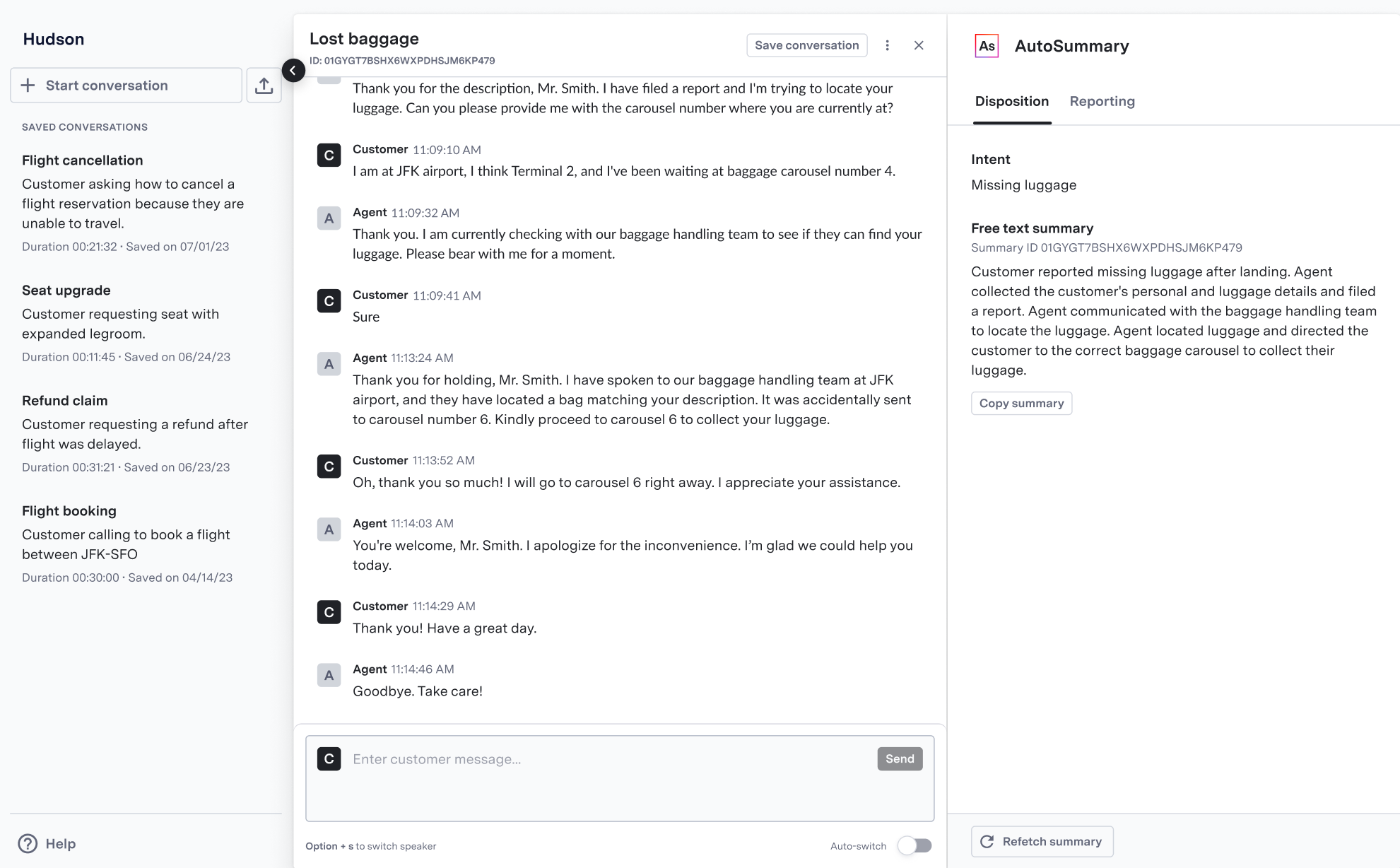
AI Summary Sandbox showing intent and free-text summary generation
Creating Test Conversations
The AI Summary Sandbox supports two methods for testing summary generation: Simulate Conversations- Create new conversations by switching between customer and agent roles
- Test voice conversations using real-time transcription via AI Transcribe
- Validate summary generation on different conversation types and scenarios
- Load existing conversation transcripts
- Test summary generation on historical conversations
- Validate model performance on real customer interactions
Available Summary Types
The Sandbox generates summaries based on your environment’s configuration:You must configure intent and structured data capabilities for your specific business needs. Contact your ASAPP account team to enable these features.
Using the Sandbox
Depending on the type of conversation you want to test, you can use one of the following methods:- Voice Conversations
- Messaging Conversations
When testing voice conversations in the Sandbox:
- AI Transcribe powers real-time transcription
- If no custom AI Transcribe model exists, the system uses a baseline contact center model
- The system generates transcripts in real-time as you speak
Generating Summaries
- Create or upload a conversation using one of the methods above
- Click “Generate Summary” to process the conversation
- View the generated free-text summary and any enabled structured data
- Use the conversation ID to retrieve summaries via API if needed