

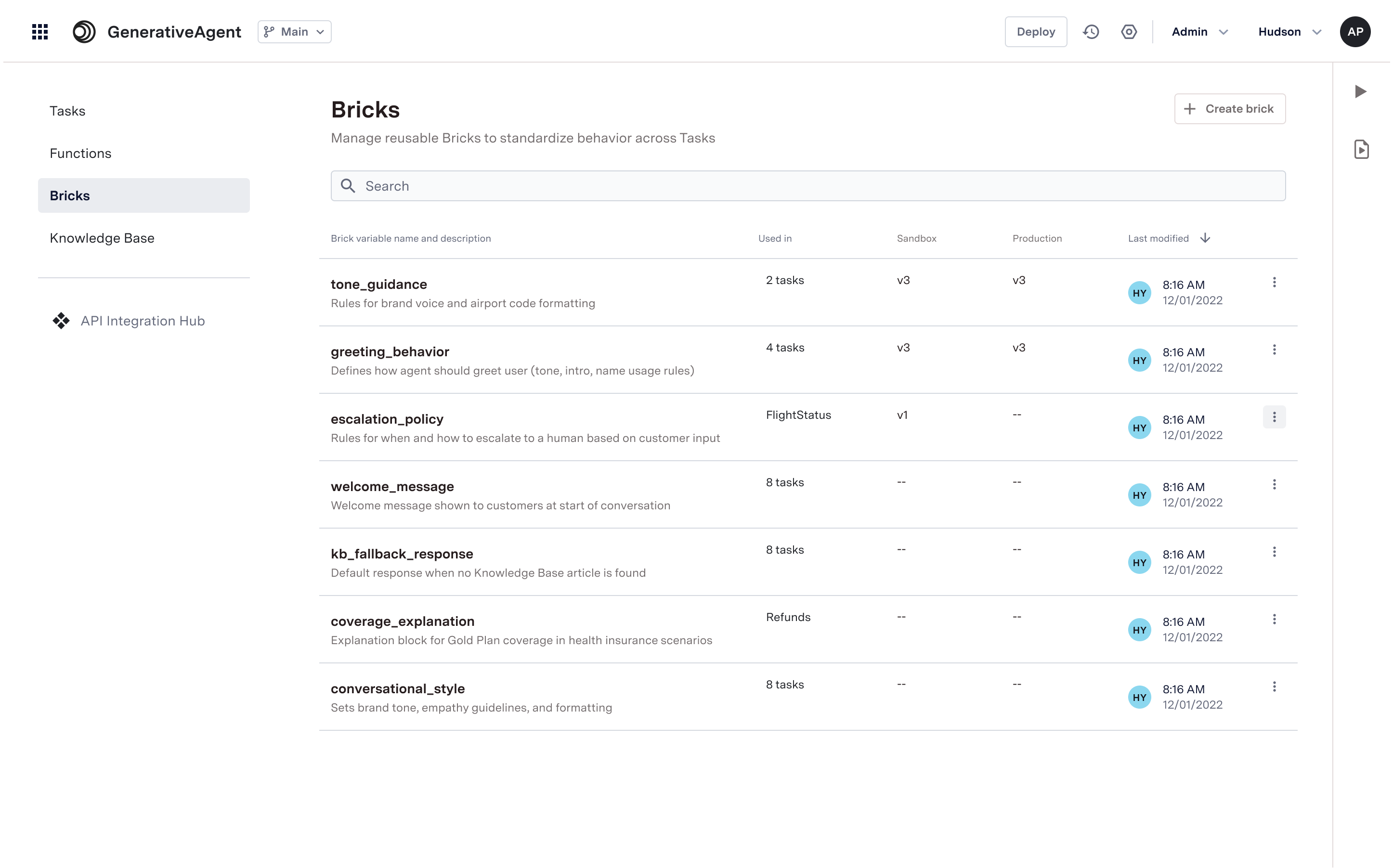
When to use Bricks
Use bricks for any content you want to reuse across multiple tasks:- Greetings and standard opening messages
- Disclaimers and legal notices
- Business policies and guidelines
- Company information and context
- Tone guidelines for customer interactions
- Common instructions that don’t change
Configuring Bricks
Here is a step-by-step overview of how to configure and use Bricks:1
Create a Brick
- Navigate to Bricks under the Build section.
- Click on Create Brick.
- Under Variable Name, provide a unique name for the Brick.
- Under Description, provide a brief description of the Brick’s purpose.
- Click Create to save the Brick.
- Add the prompt of the Brick in the text area.
- Click Save to save the content of the Brick.
2
Reference Bricks in a Task or other components
Reference bricks wherever Jinja variables are supported, including prompts and other text fields.For this example, we will reference the Brick in a Task.
- Navigate to Tasks under the Build section.
- Select an existing Task or create a new one.
- In the Task editor, navigate to where you want to insert the Brick (e.g., Task Instructions, Talker Prompt, Reasoner Prompt).
- Use the Jinja syntax to reference the Brick by its variable name, e.g.,
@brick{brick_variable_name}. - Click Save to save the Task.
3
Preview & Validate
Use the Previewer to test how the updated Bricks affect the behavior of the GenerativeAgent.
4
Deployment
- Click on Deploy to deploy the updated tasks with the new Brick content.
- Under Select Resource, choose General Configurations.
- Select the variable names of the Bricks you want to deploy.
- Click Deploy to apply the changes.
Updating Bricks
When a Brick is updated and deployed, all tasks that reference that Brick automatically receive the updated content upon the deployment. This ensures consistency across all tasks using the same Brick. Tasks referencing that Brick will not need to be redeployed. Before making changes or deploying updates to a Brick, you can check which tasks reference that Brick to understand the impact.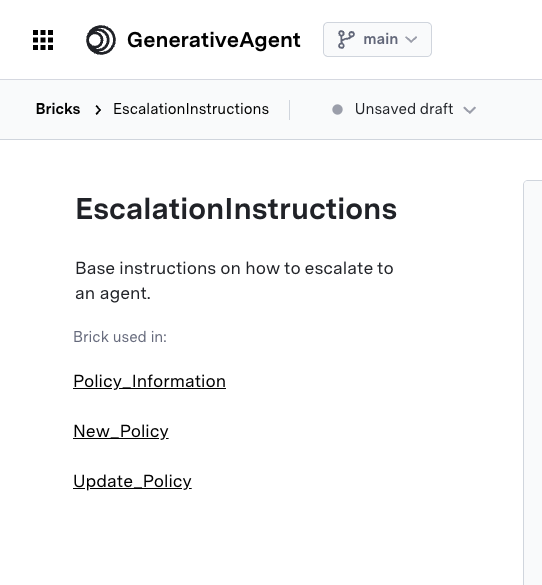
Next Steps
Referencing a Variable
Learn how to use reference variables to store and reuse data from function responses
Building your first GenerativeAgent
Learn how to build your first GenerativeAgent that can use your KnowledgeBase to start answering your users’ questions.