| Offered - Total | The total instances where the conversation was either placed in queue or assigned directly to an agent attributed to the time interval the Queue or direct Assignment event (without being placed in queue) occurs. |
| Assigned to Agent - Total | The total instances where the customer was assigned to an agent. |
| Timed Out by Agent - Total | The total instances assigned to an agent where they “Timed Out” the customer. |
| Queued - Total | The total instances where a customer was placed in or is currently waiting in the queue to be connected to an agent. |
| Queued - Eligible for Assignment | Only available as a right now metric. |
| Max Queue Time | Only available as a right now metric. |
| Average Wait Time | The average time a customer waited to abandon or be assigned to an agent, including ‘zero-time’ for customers directly assigned to an agent when there were available slots. |
| Average Time in Queue | The average time a customer waited in queue for those who either abandoned the queue or were assigned to an agent. |
| Average Time to Assign | The average queue time for all customers who were assigned to an agent, including ‘zero-time’ for customers directly assigned to an agent when there were available slots. |
| Queue Abandons | The total count of customers who abandoned the queue. |
| Average Abandon Queue Time | The average time a customer waited in queue prior to abandoning, either by being dequeued on the web or ending the chat before being assigned to an agent. |
| Queue Abandonment Rate | The percent of customers who required a visit to the queue and abandoned before being assigned to an agent. |
| Average Agent Response Time | The average amount of time it takes an agent to respond to a customer message across all assignments. |
| Average Agent First Response Time | The average amount of time it takes an agent to send the first line to a customer after the chat was assigned across all assignments. |
| Average Handle Time | The average amount of time spent by an agent per assignment, from when the chat was assigned to when the agent finishes dispositioning the assignment. |
| Active Slots | Only available as a right now metric. |
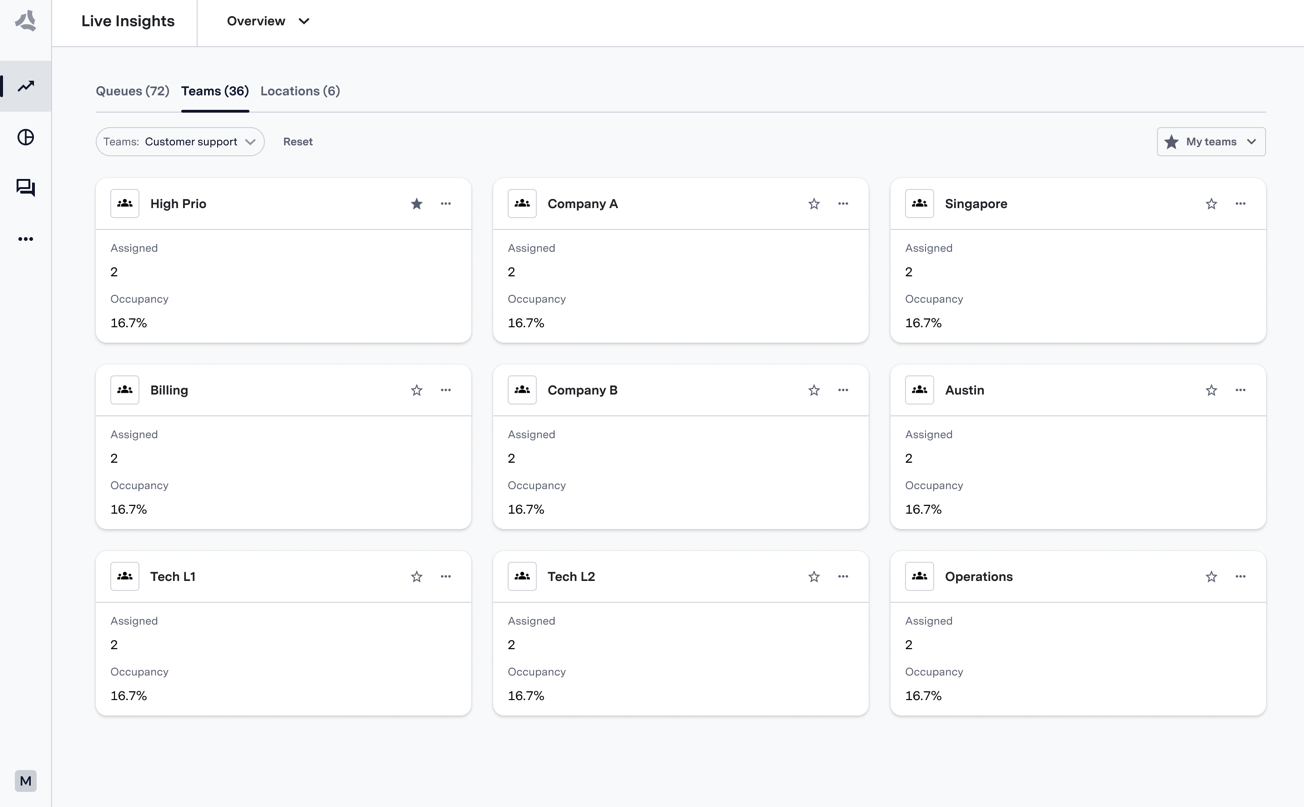
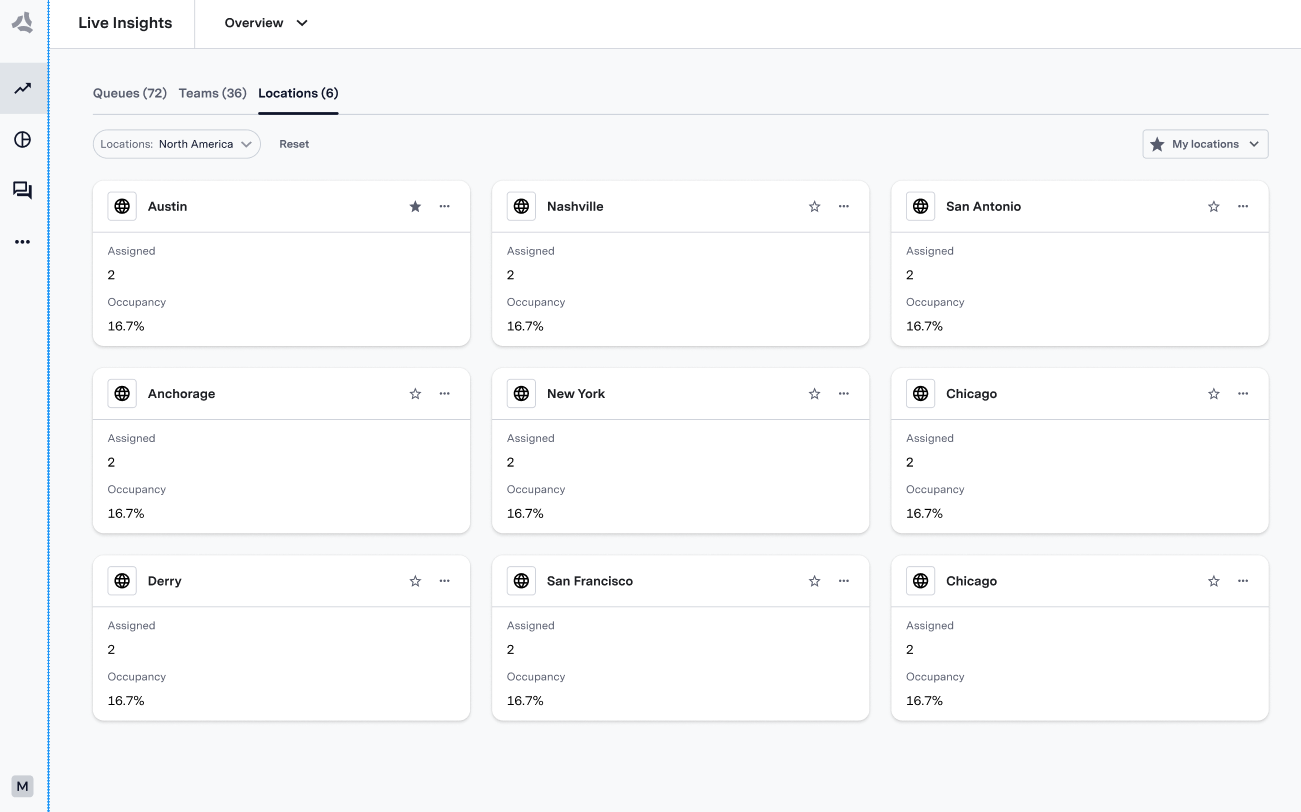
| Occupancy | The percentage of cumulative utilization time to cumulative available time for all agents who handled chats. |
| Concurrency | The weighted average number of concurrent chats that agents are handling at once, given an agent is utilized by handling at least one chat. |
| Logged In Agents | Only available as a right now metric. |
| Active and Away Agents | Only available as a right now metric. |
| Agent Status | Only available as a right now metric. |